

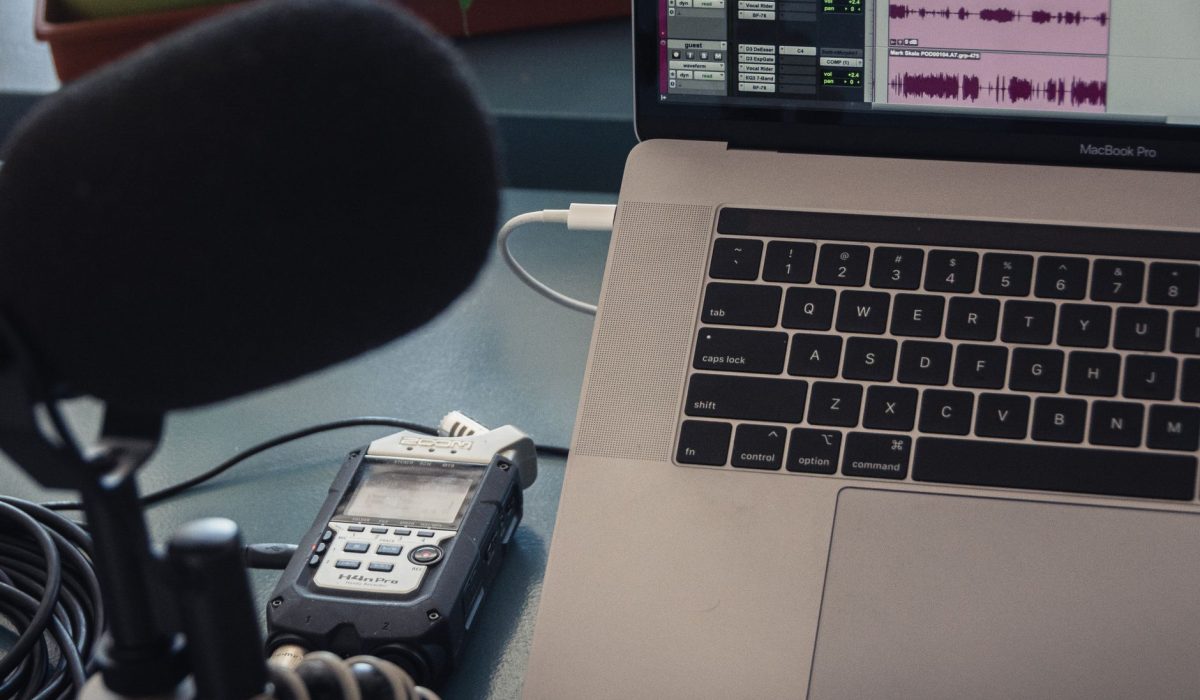
Published estimates put AI podcast editing time saved at roughly 50 to 85 percent, turning a four-to-six-hour edit into one or two hours. Results depend on the workflow. Adobe Firefly’s AI video editor trims the slowest steps with Text-Based Editing, Quick Cut first drafts, and Enhance Audio for cleaner dialog.
If you produce a weekly video podcast, editing probably eats more of your week than recording does. AI tools promise to change that, but the numbers you’ll find online vary widely, and most come from tool makers or creator blogs rather than independent studies. That doesn’t make them useless. It means you should read them as ranges, check which tasks they cover, and test them against your own episodes. Here’s what the published figures say and where the biggest gains usually come from.
How Much Time Does AI Video Editing Save in a Podcast Workflow?
AI video editing saves the most time in a podcast workflow on repetitive tasks, not creative ones. One guide estimates that a one-hour episode takes four to six hours to edit manually and one to two hours with AI help, a typical reduction of 50 to 70 percent. Other guides put the savings higher, at 75 to 85 percent, when transcription, filler removal, and clip creation are all automated.
Your results depend on where you start. Experienced editors with fast manual workflows tend to see smaller gains than people new to editing.
In Adobe Firefly, the time savings come from working with text and drafts instead of scrubbing a timeline. Text-Based Editing lets you cut an interview by editing its transcript, Quick Cut assembles a rough first edit, and Enhance Audio clarifies speech without a separate audio app.
AI Podcast Editing Time Savings Benchmark: Transcript, Silence Removal, and Multicam in 2025
There’s no single independent benchmark for AI podcast editing time savings across transcript work, silence removal, and multicam in 2025. Instead, publishers have shared task-level estimates, which the table below summarizes.
| Task | Manual approach | Published AI estimate |
| Transcription | Three to four times the episode’s runtime | Automatic, with savings of 95% or more |
| Filler word and silence removal | Listening and cutting by hand | Saves 30 to 60 minutes per hour of conversational audio |
| Multicam switching | Cutting to each speaker manually | About 85% of cuts accurate in testing; about two hours saved per episode on a two-camera setup |
| Show notes | 20 to 30 minutes | 3 to 5 minutes for an AI draft |
Treat these as starting points. Each estimate comes from a different publisher’s testing, and none uses a shared method.
How Does AI Handle Podcast Editing Tasks Like Transcription, Show Notes, and Clips?
AI podcast editing tools handle transcription, show notes, and clips by working from the same source: the transcript. Once speech is converted to text, the AI can find filler words, summarize topics, and spot moments that work as standalone clips.
Transcription: Most podcast editors now transcribe automatically, which makes text-based editing possible.
Show notes: Descript and Riverside both offer AI show notes features that draft summaries from the recording, which you then edit for accuracy and voice.
Clips: Riverside’s Magic Clips picks highlights automatically. Firefly takes a hands-on approach. You cut highlights from the transcript, set a vertical, square, or horizontal format, and add titles, AI-generated B-roll, or a soundtrack.
Every AI draft still needs a human pass, especially for names, facts, and tone.
What Does Documentation Say About AI Podcast Workflow Time Saved for Transcripts, Multicam, and Clips?
Official documentation for AI video editing tools explains what transcript, multicam, and clip features do, but it rarely promises a specific percentage of time saved. That’s a useful signal: features are consistent, while savings depend on your footage.
Descript’s help documentation describes Automatic Multicam, which detects who’s speaking and cuts to the right camera. Blackmagic Design describes DaVinci Resolve 20’s AI Multicam SmartSwitch, which builds a timeline from speaker detection, and AI IntelliCut, which removes silence. Adobe’s Firefly page describes Text-Based Editing for interview and podcast cuts, Quick Cut, and Enhance Audio.
Use documentation to confirm a feature fits your setup, such as multicam tools that need separate microphone tracks. Then measure the time it actually saves on your own episodes.
FAQ
Are AI podcast editing time-saved statistics reliable?
They’re useful for direction, not precision. Most figures come from tool makers, creator blogs, or small tests, and each counts different tasks. A range like 50 to 85 percent tells you AI can make a big difference, but your own number depends on your recording quality, number of speakers, and editing style.
How can I measure my own time savings?
Log your time for two or three episodes before switching tools, broken down by task: cleanup, cutting, multicam, show notes, and clips. Then log the same tasks after adding AI. Comparing task by task shows exactly where AI helps and where it doesn’t.
What parts of podcast editing still need a person?
Story decisions, pacing, fact-checking, and final review. AI is strong at removing filler, switching cameras, and drafting text, but it doesn’t know which tangent your audience will love or which joke landed. Plan to spend your saved time on those judgment calls.